|  | 
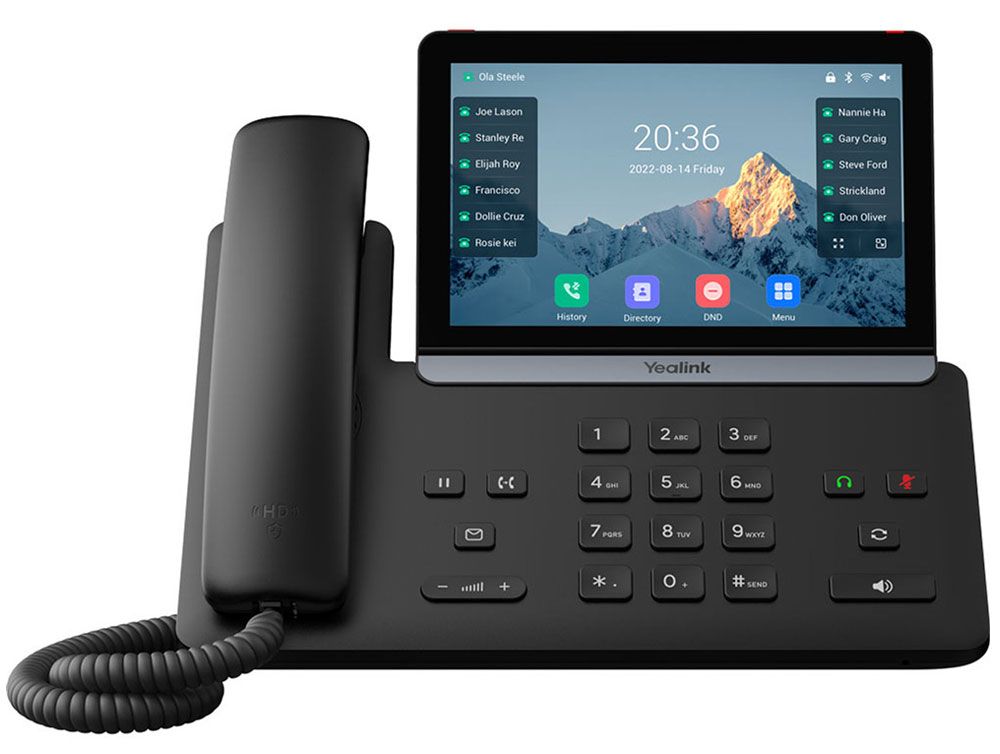
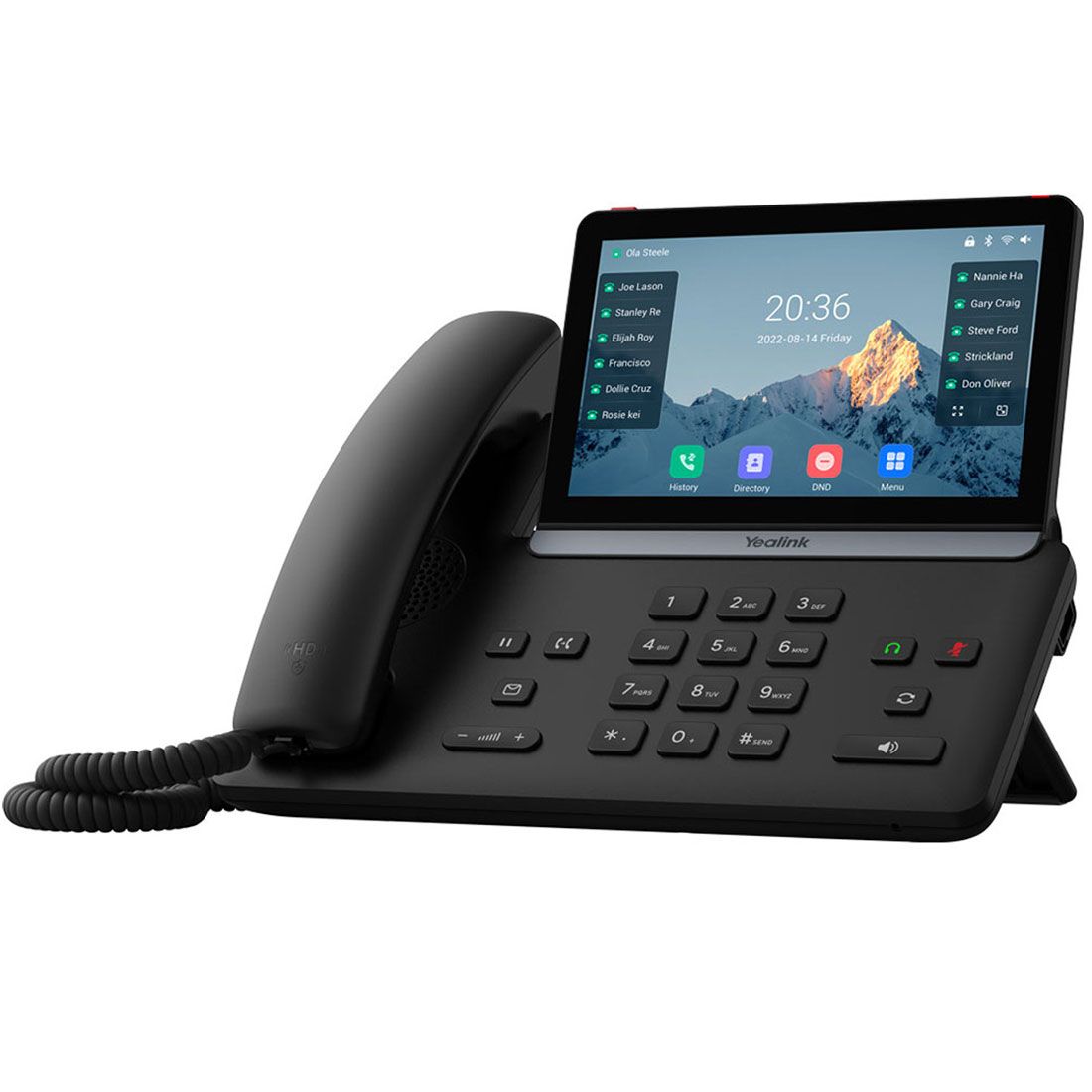
Yealink SIP-T87W IP Phone (1301227) | The Yealink SIP-T87W is an easy-to-use smart business phone made for busy professionals. It features a 7 inch touch screen with an intuitive interface, dual Gigabit Ethernet ports, built-in Wi-Fi and Bluetooth, dual USB ports, and flexible expansion options.
Yealink SIP-T87W Features
- 7" 800 x 480 capacitive adjustable touch screen
- Optima HD Voice
- Yealink Acoustic Shield technology improves backtround noise suppression when you are using the phone handset or connected headset
- 3W speaker for clearer speakerphone audio
- Supports dark and light themes
- Up to 16 VoIP accounts
- 84 one-touch DSS keys
- 7 feature keys: hold, transfer, message, headset, mute, redial, speakerphone
- Volume control keys
- Illuminated mute/headset/hands-free speakerphone key
- LED for call and message waiting indication
- Headset port (RJ-9)
- Dual Gigabit Ethernet ports
- Built-in Bluetooth 5.0 supports Bluetooth headsets and mobile contacts synchronization
- Built-in Wi-Fi 6 (Dual band)
- Dual USB 2.0 ports (1 USB-A, 1 USB-C) compatible with wired/wireless USB headsets, EHS40, EXP55 expansion, or USB flash drive for recording
- Supports up to 3 Yealink EXP55 color expansion modules which can be programmed with up to 180 paperless DSS keys
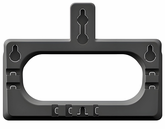
- Wall mounting via optional wall mount bracket
- Desk stand provides 2 adjustable angles
- Easy installation and deployment via Yealink RPS and Boot mechanisms
- Provides the latest TLS/SSL network security technology and is widely compatible with leading softswitch vendors, such as 3CX, Broadsoft, and Broadworks
- Unified firmware for T7X series (T73U, T73W, T74U, T74W, T77W), T85W, and T87W
Network Connectivity
- Dual-port Gigabit Ethernet
- Built-in Wi-Fi 6 (Dual band)
Power
- Powered via Power over Ethernet, optional PoE injector, or optional AC adapter
Includes
- Yealink SIP-87W
- Handset with handset cord
- Desk stand
- CAT5E network cable
Compatibility
- Can be used with a variety of SIP compatible hosted service providers and SIP compatible IP PBX systems
- Check with your hosted provider or IP PBX documentation to confirm system compatibility
References
|
Accessories and Related Items
|